
PowerPoint timing for departments, schools and institutions
PowerPoint Timer for Schools — Classroom & Team Licensing
UbiTimer gives teachers a PowerPoint timer for schools that works inside the presentations they already use for lessons, activities, assemblies, training and other timed sessions.
For the full range of countdown, count-up, per-slide and presentation timing options, see the main PowerPoint timer overview.
Individual teachers can start with Classroom Free. Departments, schools and organisations that need access for multiple users can explore UbiTimer Team / School licensing options.
UbiTimer is designed for supported Microsoft PowerPoint environments on Windows and Mac. Exact availability can depend on PowerPoint, Microsoft 365 and organisation settings.
PowerPoint Timing Across a School or Department
Many schools already use PowerPoint for lesson delivery, staff training, assemblies and presentations. UbiTimer adds timing to that existing workflow instead of requiring teachers to open a separate timer website or application.
Classroom Teaching
Teachers can use countdown and count-up timers for starters, group work, quizzes, transitions and independent activities.
Departments & Schools
Schools that need UbiTimer for multiple teachers can use Team / School licensing rather than relying only on individual licences.
Training & Presentations
UbiTimer can also be used for CPD, assemblies, staff meetings, presentations and other timed sessions delivered in PowerPoint.
Need UbiTimer for More Than One Teacher?
Classroom Free is a straightforward way for an individual teacher to begin using UbiTimer. Schools and departments may need a wider licensing option when several staff members require access.
Individual Teachers
Start with Classroom Free for everyday countdown and count-up timing inside PowerPoint.
Individual users can also compare paid plans when they need more advanced timing features.
Departments, Schools & Organisations
Team / School options are intended for situations where multiple users need UbiTimer access within the same department, school or organisation.
Where Schools Can Use PowerPoint Timers
The same timer workflow can be useful in different parts of a school, from everyday lessons to staff presentations and larger events.
Lesson Activities
Add countdowns to starters, independent tasks, quizzes, revision and group activities.
Transitions
Use short timers when a class needs to prepare for the next activity or lesson section.
Student Presentations
Give individuals or groups a defined presentation duration.
Assemblies
Use PowerPoint timing for scheduled assembly items, speaker sections and presentation segments.
Staff Meetings
Time agenda items, presentations and discussion sections during PowerPoint-based meetings.
CPD & Training
Time workshop activities, breakout tasks and staff-development presentations.
Classroom Free and Advanced UbiTimer Features
Schools can begin with everyday PowerPoint timing and move to advanced features where particular teachers, presenters or departments need more control.
| Timing need | UbiTimer option |
|---|---|
| Everyday countdown timers | Classroom Free |
| Count-up timing | Classroom Free |
| Per-slide timers | Classroom Free |
| Timer running across slides | Advanced feature |
| Radial visual countdown | Advanced feature |
| Presenter-Only timing | Advanced feature |
| Timer Groups and structured slide ranges | Advanced feature |
| Multiple-user school access | Team / School licensing |
UbiTimer Inside PowerPoint
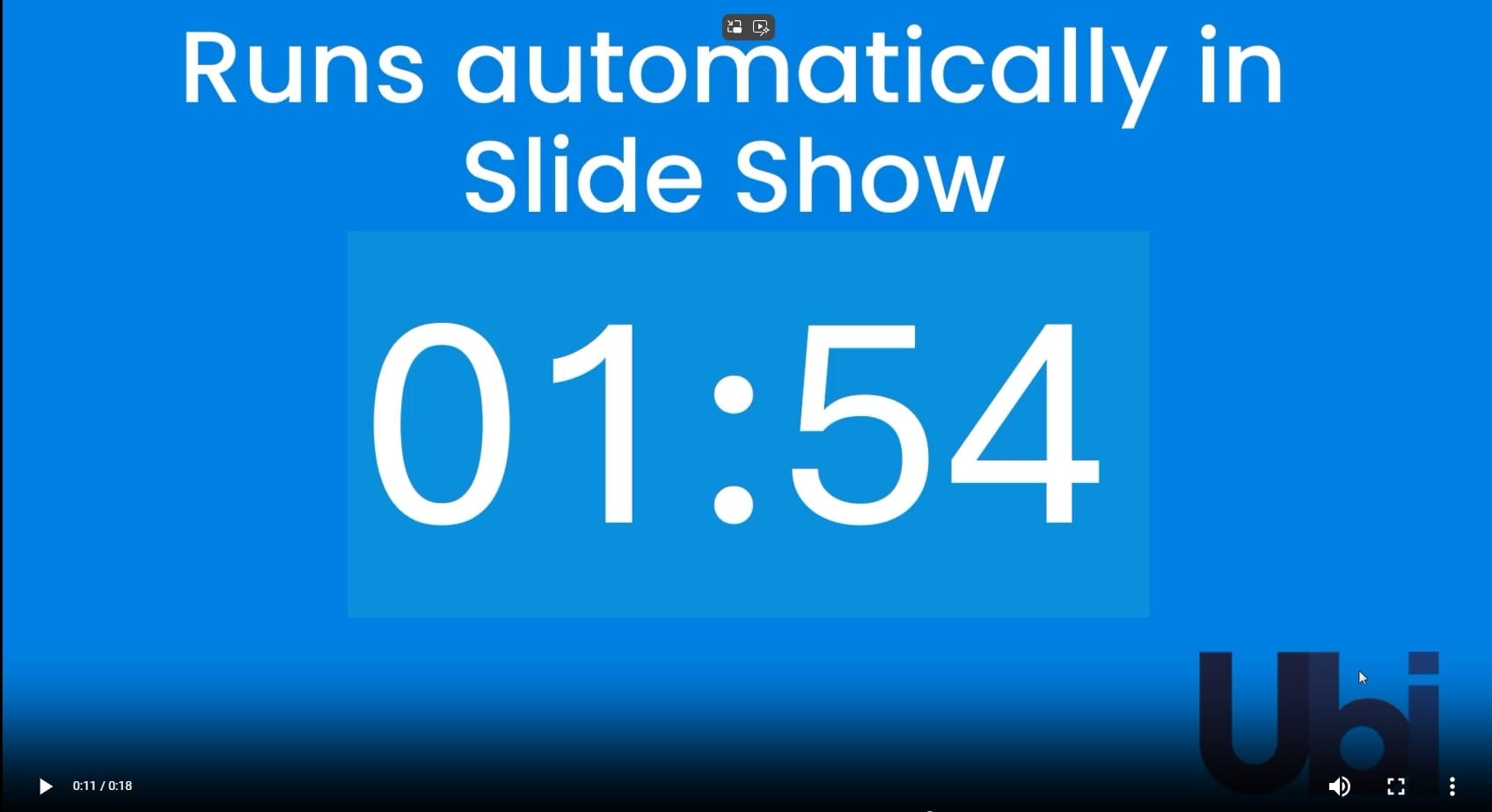
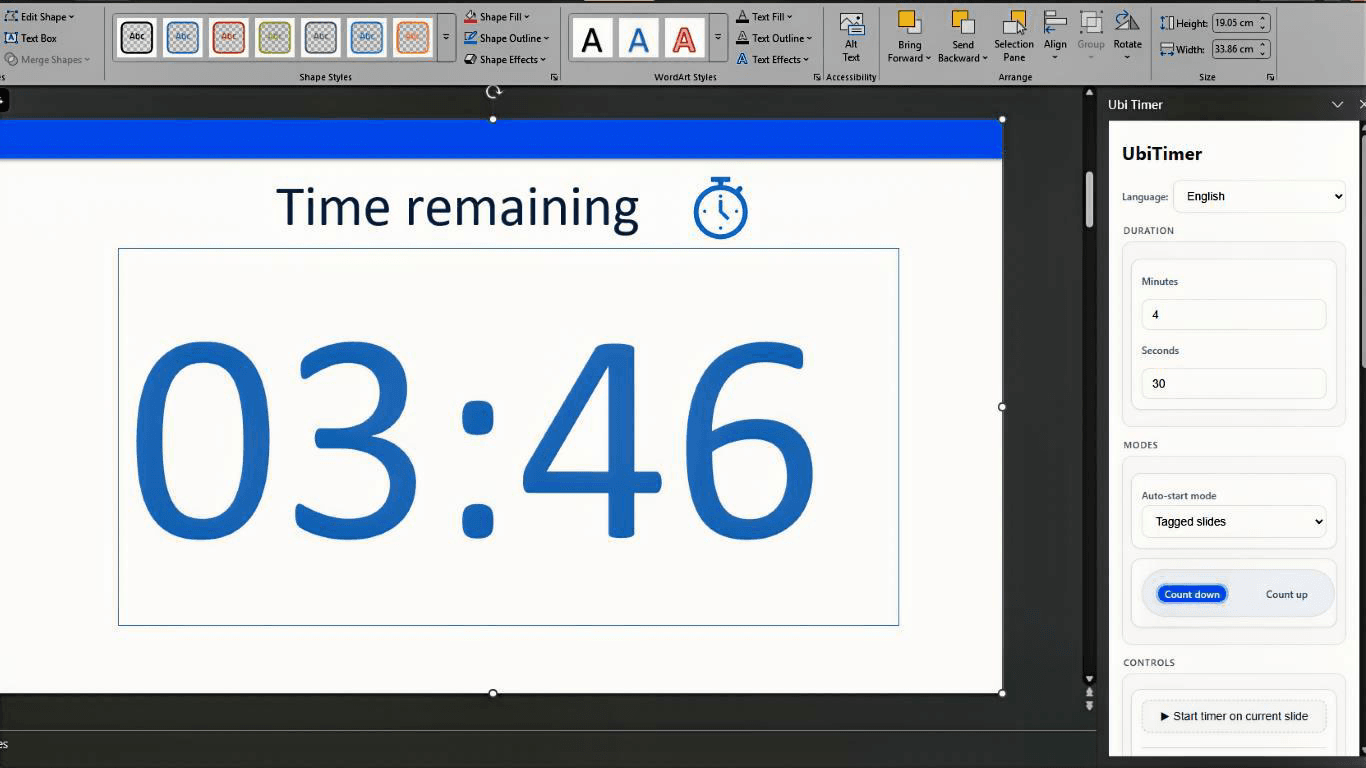
UbiTimer works within the PowerPoint workflow teachers already use. Everyday timers can be used for classroom activities, while advanced features provide additional timing options for more complex presentations.

What School Leaders and IT Teams Should Know
Schools often have different Microsoft 365 policies, PowerPoint versions and add-in settings. Before wider adoption, it is sensible to confirm that UbiTimer works as expected in your organisation's PowerPoint environment.
PowerPoint Environment
UbiTimer is designed for supported Microsoft PowerPoint environments on Windows and Mac. Availability can depend on Microsoft 365 and organisation settings.
Start Small if Needed
Individual teachers can begin with Classroom Free before a department or school decides whether wider access is appropriate.
Multiple Users
Where several staff members need access, use the Team / School licensing page to review the available multi-user options.
Need Help?
Visit UbiTimer Support for setup and troubleshooting information.
PowerPoint Timing Features Schools Can Explore
Global Timer
Keep one timer running while moving through several slides.
Radial Timer
Display remaining time using a circular visual countdown.
Auto-Start
Configure automatic timer starts for suitable presentation workflows.
Timer Groups
Give different PowerPoint slide ranges their own timing settings.
Presenter-Only Timer
Monitor timing privately when the audience does not need to see it.
Countdown to a Specific Time
Count down towards an exact clock time such as the start of an assembly or session.
Looking for Individual Classroom Guidance?
This page focuses on UbiTimer for schools, departments and institutions. We also have dedicated guides for individual classroom and teacher use.
PowerPoint Timer for Teachers
See lesson-timing ideas for starters, revision, group work, transitions and student presentations.
Classroom Timer for PowerPoint
See how to use countdown and count-up timing directly with classroom activities.
PowerPoint Timer for Schools FAQ
Can individual teachers use UbiTimer for free?
Yes. Classroom Free provides everyday countdown and count-up timing for PowerPoint.
Can a school get UbiTimer for multiple teachers?
Yes. UbiTimer provides Team / School options for departments, schools and organisations that need access for multiple users. See the Team / School licensing page .
Can UbiTimer be used for assemblies?
Yes. UbiTimer can be used within a PowerPoint presentation for timed assembly sections, speaker slots and other scheduled presentation activities.
Can one timer continue across several PowerPoint slides?
Yes. UbiTimer Global Timer can keep one timing session running as slides change. See the Timer Across Slides guide .
Can teachers keep the timer private?
Presenter-Only timing is available for situations where the teacher or presenter needs to monitor time without displaying the timer to the audience.
Does UbiTimer work on Windows and Mac?
UbiTimer is designed for supported Microsoft PowerPoint environments on Windows and Mac. Exact behaviour can depend on PowerPoint, Microsoft 365 and organisation settings.
Do existing EDU users keep their legacy access?
Yes. Existing UbiTimer EDU users retain their legacy access.
Related UbiTimer Guides for Schools
Bring UbiTimer to Your School or Department
Individual teachers can start with Classroom Free. If your department or school needs UbiTimer for multiple users, explore the available Team / School licensing options.