
School assemblies · Exams · Whole-hall timing
How Schools Use Countdown Timers During Assemblies & Exams
School assemblies, exams and whole-hall presentations depend on clear timing. A visible countdown on the projector helps maintain structure, reduce delays and keep students focused.
Teachers can start with UbiTimer Classroom Free for everyday PowerPoint timing. Schools, departments and organisations can use Team / School plans when they need wider access.
UbiTimer lets teachers add visible countdown and count-up timers directly inside PowerPoint. Start with Classroom Free for everyday timing, or compare Team / School plans for wider deployment.
Why Timing Matters During School Assemblies
Whether you run a weekly briefing, awards assembly or start-of-term event, timing issues can cause:
Late starts
Assemblies that overrun can push back lesson schedules and staff movement.
Loss of attention
Long gaps between segments make it harder for students to stay focused.
Staff stress
Presenters have to manage time while also speaking, organising students and leading the event.
A visible assembly countdown timer helps keep the event structured and predictable.
School Assembly Countdown TimerHow Schools Use Timers in Assemblies
| Scenario | Example UbiTimer Setup |
|---|---|
| Weekly assembly | 10-minute countdown projected on the hall screen |
| Awards ceremony | 30-second timer for each award segment |
| Behaviour / expectations briefing | 5-minute visible countdown to keep the section focused |
| Guest speaker slot | Timer on screen to help the speaker stay within the allocated time |
Need advanced timing across multiple slides? See Global Timer Mode, available in paid plans.
Using Timers During Exams and Timed Assessments
Schools can also use UbiTimer as a visible countdown timer for mock exams, timed assessments, revision workshops and classroom exam practice.
Useful for
- Mock exams in the main hall
- Timed assessments
- Revision workshops
- Classroom exam practice
A visible timer can help
- Reduce confusion over start and end times
- Stop repeated “how long left?” questions
- Reduce interruptions during timed work
- Support students who benefit from clear visual time cues
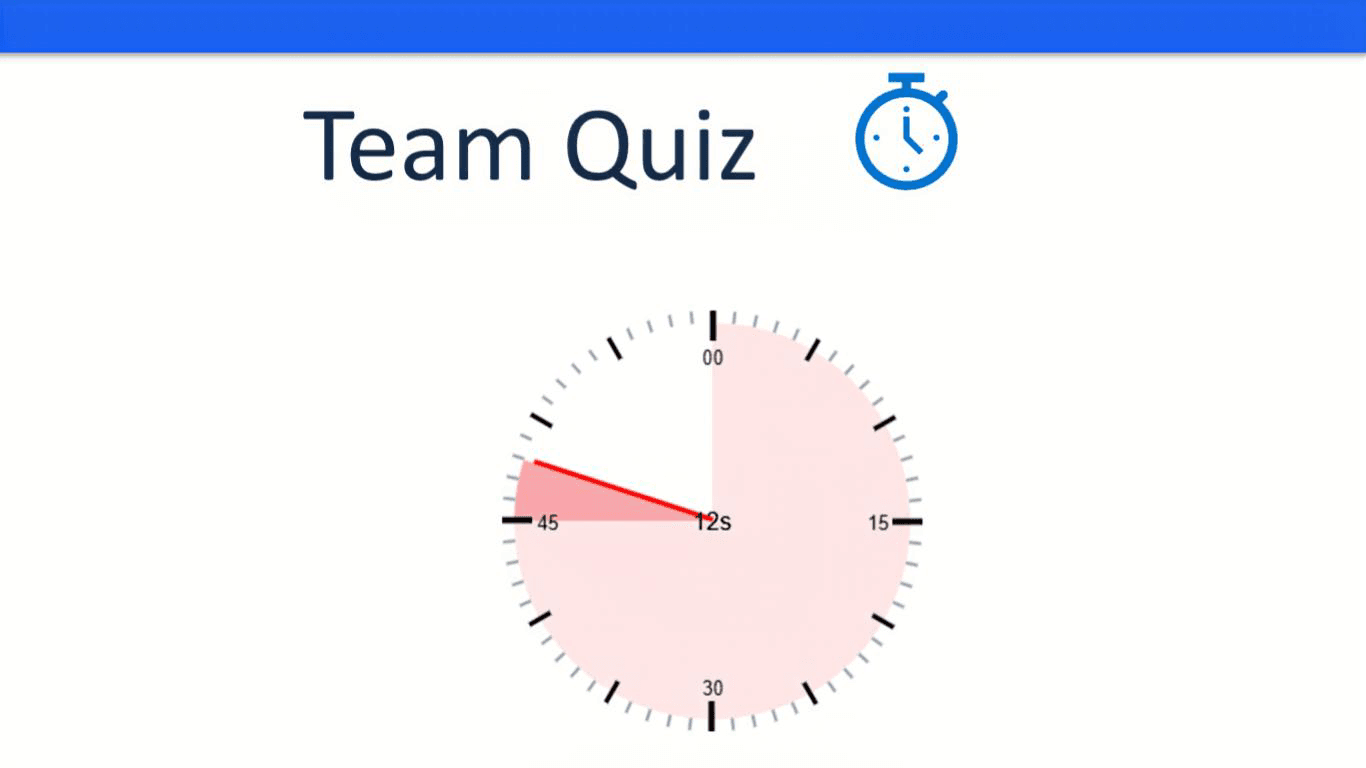
Clear timing is especially important during formal assessments. Schools should follow their own exam policies and relevant guidance from awarding bodies or regulators such as Ofqual. UbiTimer can support visible timing, but it does not replace official exam procedures.
Why Schools Choose UbiTimer
For everyday school timing
- Runs inside PowerPoint — no separate timer website needed
- Works with supported Microsoft PowerPoint environments on Windows and Mac
- Classroom Free gives teachers essential countdown and count-up tools
For advanced and school-wide use
- Pro Lifetime adds radial timers, global timers and presenter controls
- Presenter Plus adds practice analytics and pacing summaries
- Team / School plans are available for departments, schools and organisations
Teachers can use Classroom Free for everyday PowerPoint timer needs. Existing EDU users keep their legacy access. For wider deployment, compare Team / School plans.
Frequently Asked Questions
Individual teachers can start with Classroom Free. For wider school, department or organisation use, choose a Team / School plan.
UbiTimer works inside PowerPoint. Some features, licensing checks and updates may require a supported Microsoft 365 environment and internet access.
UbiTimer works inside supported modern Microsoft PowerPoint environments, including Microsoft 365 on Windows and Mac.
No. Classroom Free is available for everyday classroom timing. Pro Lifetime, Presenter Plus and Team / School plans are paid options for users who need advanced features or wider deployment.
Use UbiTimer for Assemblies, Exams and Whole-School Timing
Start with Classroom Free for everyday PowerPoint timing, or compare plans for radial timers, global timing, presenter tools and Team / School access.