
🎓 PowerPoint timers for universities, colleges and academic events
UbiTimer for University Lectures & Presentations
A precise, professional PowerPoint timer for university presentations — ideal for lectures, seminars, vivas, student presentations and academic conferences.
Individual lecturers can use Pro Lifetime or Presenter Plus. Departments, faculties and institutions can use Team / School plans for wider access.
Works with supported Microsoft PowerPoint environments on Windows and Mac.
Keep Lectures, Seminars and Vivas Running on Time
Universities run hundreds of hours of teaching and assessment every week. From large lecture theatres to small-group seminars and viva examinations, timekeeping has a direct impact on quality and fairness.
- Lectures can overrun, causing knock-on delays for the next session.
- Students in seminars and presentations may speak for too long or too little.
- Vivas, mock OSCEs and timed assessments need consistent, visible timing.
- Conference sessions need a clear visual timer that speakers can actually see.
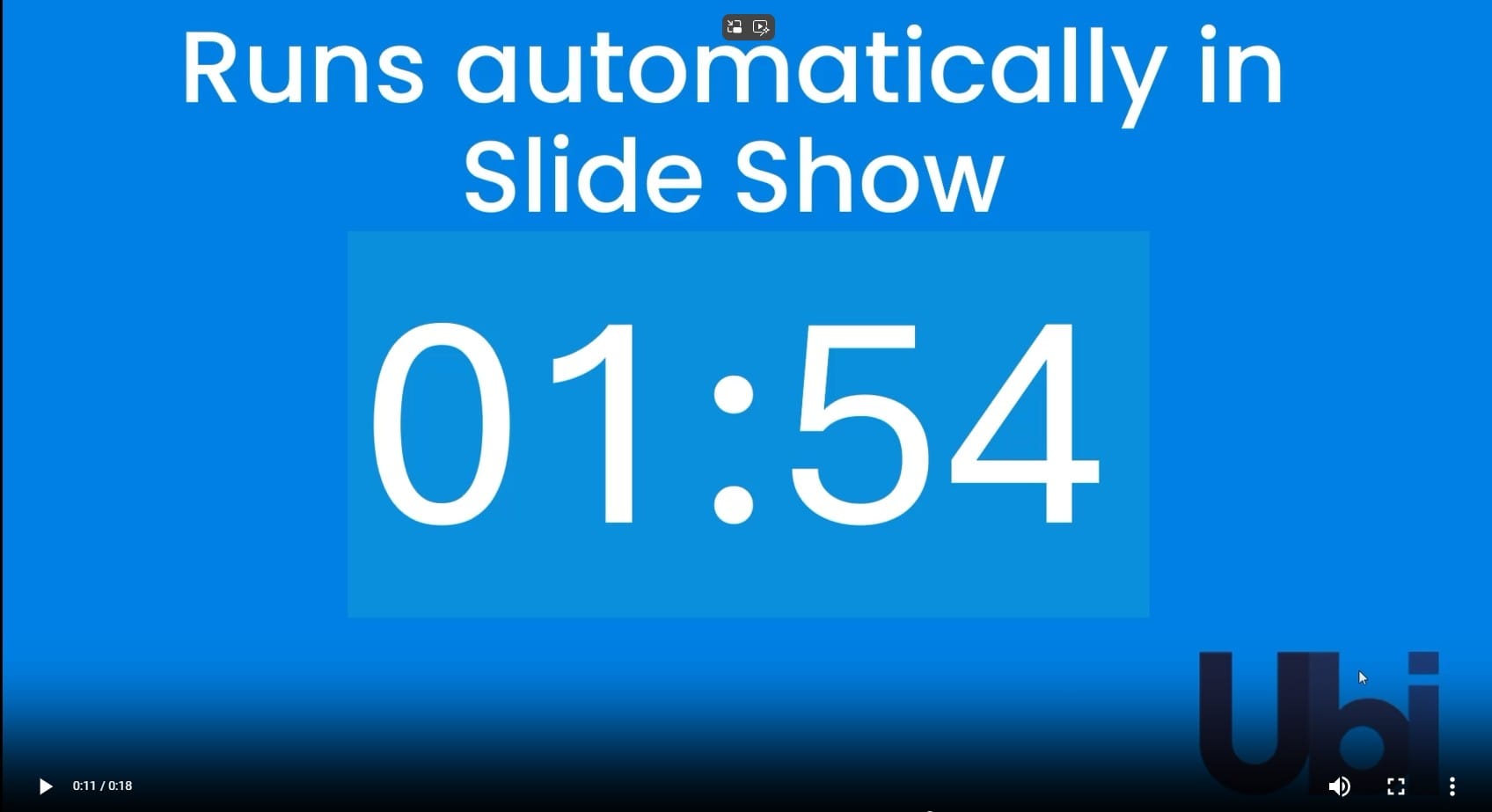
UbiTimer provides a simple, reliable academic presentation timer that sits directly inside PowerPoint, so presenters and students can see exactly how much time remains.
Research and higher education commentary often emphasise the value of clear structure in lectures. For example, see this Higher Education Policy Institute article on clear lecture structure: HEPI — why students benefit from clear lecture structure .
Designed for University Teaching & Academic Events
UbiTimer is more than a simple countdown. It is a flexible PowerPoint timer for lectures and seminars that can support teaching, assessment and academic presentation settings.
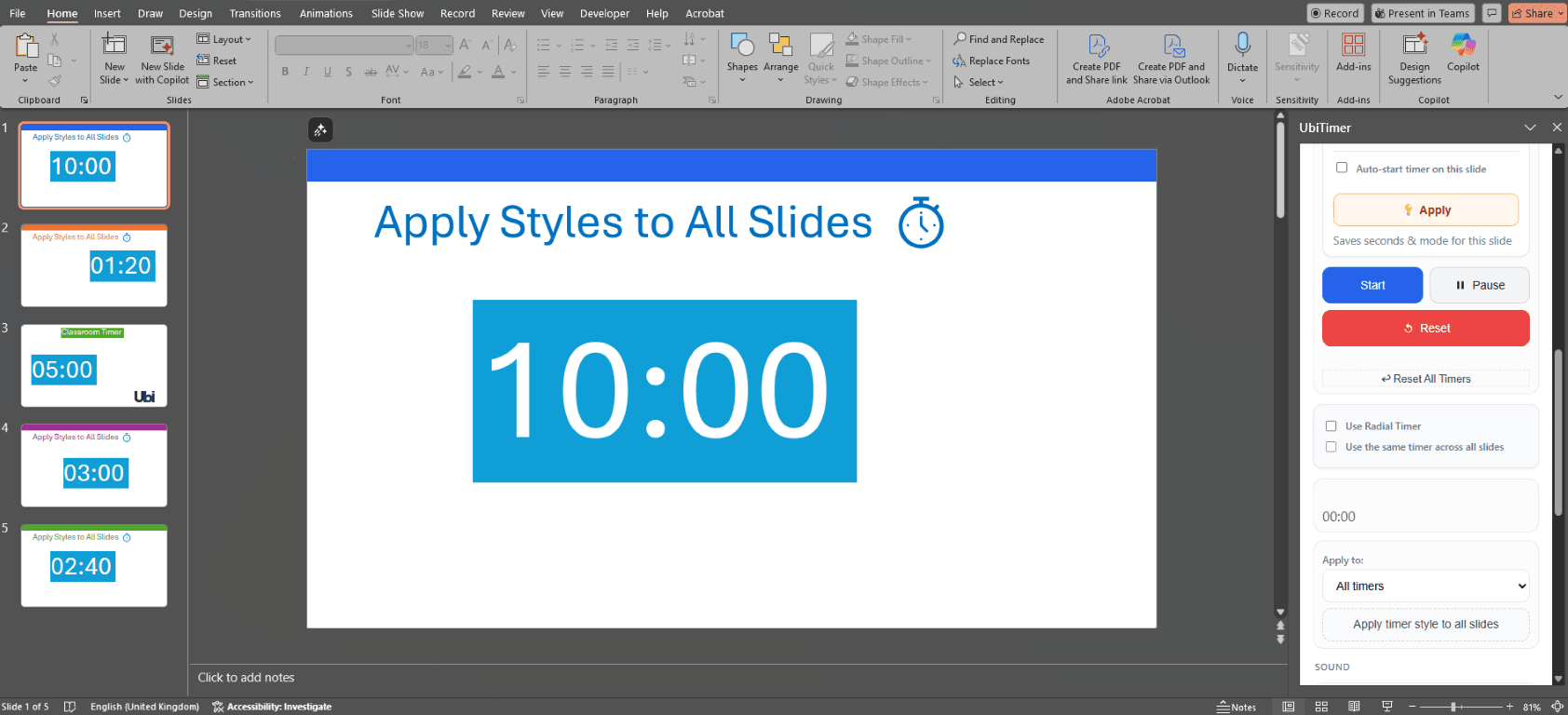
UbiTimer runs inside Microsoft PowerPoint and uses the official Office Add-in framework — Microsoft Office Add-ins documentation.
⏱ Session Timers for Lectures
Add clear countdowns for lecture segments, demonstrations, activities and Q&A so sessions stay on track.
👥 Fair Timing for Student Presentations
Use UbiTimer as a presentation timer for seminars so each student gets the same amount of speaking time.
🌍 Global Timer Across Slides
With Global Timer Mode, the same timer can follow you across slides. This is available in Pro Lifetime, Presenter Plus and Team / School plans.
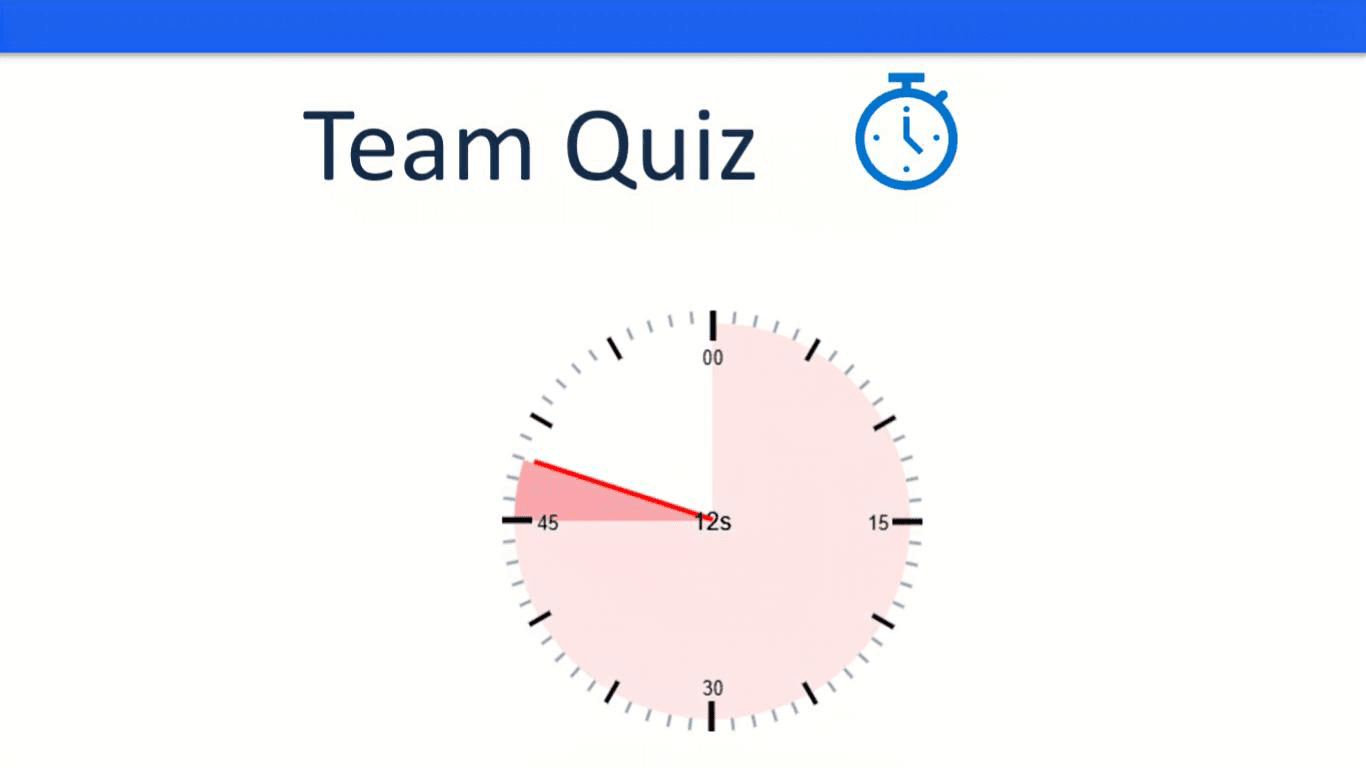
🎨 Professional Visual Radial Timer
Prefer a more visual, less numeric look? The Radial Timer gives a clean clock-style indicator for larger rooms and events. This is available in paid plans.
🎤 Presenter-Focused Controls
Presenter-only mode, timer groups, snapshots, custom alarms and advanced styling are available in Pro Lifetime and above.
💻 Works in PowerPoint
UbiTimer works with supported Microsoft PowerPoint environments on Windows and Mac, depending on your Microsoft 365 setup.
Where UbiTimer Fits in Higher Education
Here are some of the most common ways universities can use UbiTimer as a PowerPoint timer for university presentations:
| Scenario | Example UbiTimer Setup |
|---|---|
| Undergraduate lecture | Use countdowns for lecture sections, examples and student activities. |
| Seminars and student presentations | Set 5–10 minute countdowns so each student has a clear, fair time limit. |
| Vivas / thesis defences | Use a professional countdown so candidates and examiners can pace each section. |
| Faculty meetings or training sessions | Apply timers to agenda items to keep internal meetings running on time. |
| Academic conferences & symposia | Project a large radial or digital timer so speakers and chairs can see how long remains. |
Plans for Lecturers, Departments and Institutions
UbiTimer now uses a simple plan structure. Individual lecturers and presenters can choose Pro Lifetime or Presenter Plus. Departments, faculties and institutions can use Team / School plans for multi-user access.
Individual Plans
- 👩🏫 Classroom Free: everyday classroom timing tools
- ⭐ Pro Lifetime: advanced timer features — $19.99 one-time
- 🎤 Presenter Plus: practice analytics and pacing summaries — $29/year
Department / Institution Plans
- 🏫 Team 5: $49/year
- 🏫 Team 10: $99/year
- 🏫 Department 25: $149/year
- 🏫 Whole School: $299/year
- 🏛️ Organisation: from $499/year
Built for Teaching-Focused and Research-Active Institutions
UbiTimer is suitable for departments that rely heavily on PowerPoint for teaching, assessment and research communication — from STEM faculties to business schools, humanities and social sciences.
“Having a clear countdown on screen has made our student presentations much more consistent and easier to assess fairly.”
– Programme Leader, Business & Management
“We use UbiTimer in research seminars and conferences so speakers can clearly see their remaining time without being interrupted.”
– Director of Research Centre
FAQ – UbiTimer for University Presentations
Is UbiTimer free for universities?
Classroom Free is available for everyday timing. Advanced university presentation features are available through Pro Lifetime, Presenter Plus and Team / School plans.
Which plan should a lecturer choose?
Pro Lifetime is suitable for individual lecturers who need advanced timer features. Presenter Plus is better for regular presenters who want practice analytics and pacing summaries.
Which plan should a department or faculty choose?
Departments, faculties and institutions should use a Team / School plan so multiple staff can be covered under one annual licence.
Which versions of PowerPoint are supported?
UbiTimer works with supported Microsoft PowerPoint environments on Windows and Mac.
Can students install UbiTimer on their own devices?
Students can start with Classroom Free for basic timing. Wider student deployment should be handled through a Team / School or organisation plan.
Can UbiTimer be used at academic conferences?
Yes. UbiTimer can be used as an academic presentation timer at conferences, research days and symposiums. Radial Timer and Global Timer Mode are advanced paid features.