POWERPOINT TIMER PRICING
Keep Every Presentation on Time — Without the Stress
80,000+ installs across 100+ countries
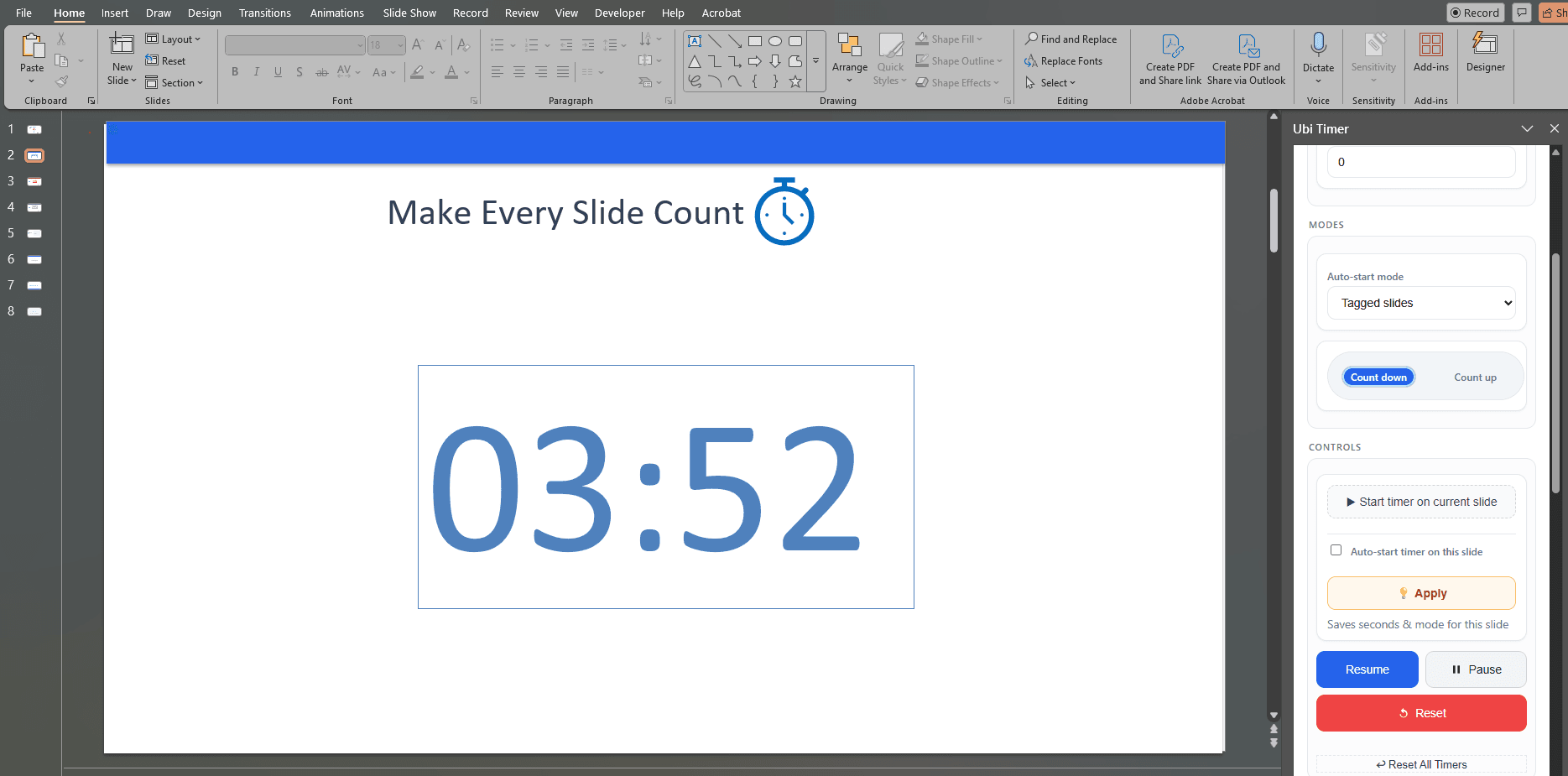
Add classroom-ready timers directly inside PowerPoint, from simple slide timers to radial timers, global timers and advanced presenter controls.
New to UbiTimer? See how the PowerPoint timer works before comparing plans.
Existing EDU users keep their legacy access. New users can start with Classroom Free and upgrade to Pro Lifetime, Presenter Plus or a Team / School plan when they need more.
🔒 Secure checkout via PayPal & Stripe · Instant licence email
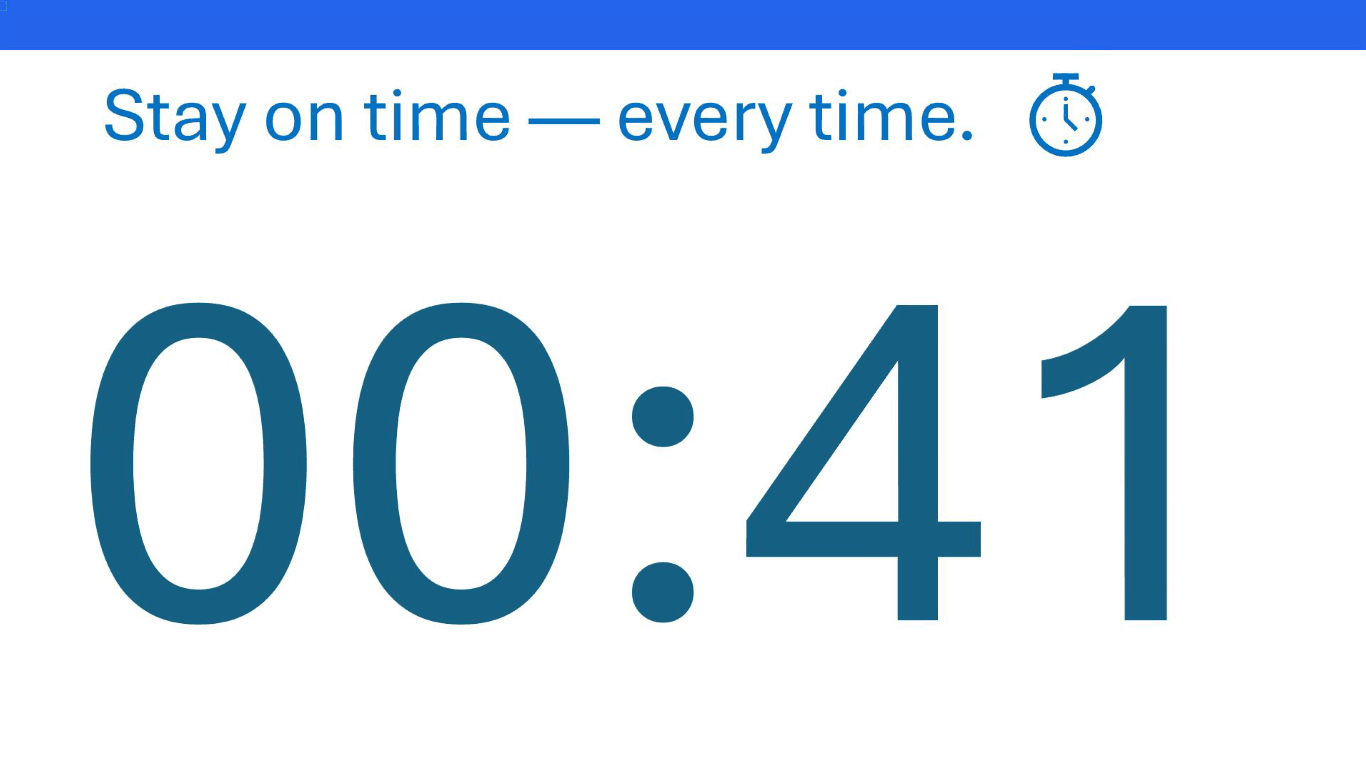
See the Global Timer in action
Watch one countdown continue as you move through your PowerPoint slides.
Get UbiTimer Pro Lifetime
Unlock Global Timer, Timer Groups, radial timers and custom alarms with one payment. Your lifetime licence key is emailed instantly.
Classroom Free
Essential PowerPoint timer tools for everyday classroom teaching, lessons, quizzes and transitions.
- ✅ Countdown / count-up timers
- ✅ Per-slide timers
- ✅ Basic classroom styling
Pro Lifetime
Advanced PowerPoint timer features for teachers, trainers and presenters.
- ✅ Global timer across slides
- ✅ Countdown to a specific clock time
- ✅ Timer groups for timed sections
- ✅ Presenter-only mode
- ✅ Radial timers and custom alarm sounds
- ✅ Advanced styling across all slides
Card, Apple Pay or Google Pay




Pay once • Lifetime access • Instant licence by email
🔒 One-time payment · No subscription · Instant licence by email
30-day money-back guarantee — try UbiTimer Pro with confidence.
Trusted in 80,000+ installations across 100+ countries
Prefer PayPal?
Secure checkout powered by Stripe & PayPal — no card details are stored on UbiTimer.
Presenter Plus
For users who want the full presenter toolkit plus practice analytics and pacing summaries.
- ✅ Everything in Pro Lifetime
- ✅ Practice analytics
- ✅ Pacing summaries
- ✅ Presenter-focused improvements
Team / School
Annual licensing for departments, schools and organisations that need multiple users.
- ✅ Team 5 — $49/year
- ✅ Team 10 — $99/year
- ✅ Department 25 — $149/year
- ✅ Whole School — $299/year
- ✅ Organisation — from $499/year
🛡️ 30-day money-back guarantee. If UbiTimer Pro is not a good fit, contact us and we will refund your purchase.
Why upgrade to UbiTimer Pro?
⏱️ Radial timer visuals
Show a clear circular countdown that everyone in the room can see at a glance.
📡 Global timer across slides
Keep one continuous countdown or count-up running as you move through your presentation.
🪟 Presenter-only timing
Keep an eye on time during Slide Show without switching apps or checking your watch.
🕙 Countdown to a specific time
Set a target time such as 10:00 AM and UbiTimer automatically counts down to it across your presentation.
Who are you using UbiTimer for?
Choose the option that best matches how you plan to use UbiTimer.
🎓 Classroom Teachers
Start with the free classroom timer for everyday PowerPoint lessons.
Get Classroom Free🎤 Individual Teachers & Presenters
Unlock advanced timer features with Pro Lifetime, or add practice analytics with Presenter Plus.
View Individual Plans🏫 Departments & Organisations
Simple team and school licensing for departments, schools and organisations.
View Team / School PlansCompare UbiTimer plans
| Feature | Classroom Free | Legacy EDU Existing verified users | Pro Lifetime | Presenter Plus | Team / School |
|---|---|---|---|---|---|
| Insert countdown / count-up timer on a slide | ✅ | ✅ | ✅ | ✅ | ✅ |
| Per-slide timers | ✅ | ✅ | ✅ | ✅ | ✅ |
| Basic styling options | ✅ | ✅ | ✅ | ✅ | ✅ |
| Radial / circular timer display | — | ✅ | ✅ | ✅ | ✅ |
| Global timer across all slides | — | ✅ | ✅ | ✅ | ✅ |
| Countdown to a specific clock time | — | ✅ | ✅ | ✅ | ✅ |
| Timer snapshots | — | ✅ | ✅ | ✅ | ✅ |
| Presenter-only mode | — | — | ✅ | ✅ | ✅ |
| Timer groups | — | — | ✅ | ✅ | ✅ |
| Custom alarm sounds | — | — | ✅ | ✅ | ✅ |
| Advanced styling / apply style to all slides | — | — | ✅ | ✅ | ✅ |
| Practice analytics and pacing summary | — | — | — | ✅ | ✅ |
| Department / organisation deployment | — | — | — | — | ✅ |
| Email support | Community / basic | Basic | Priority | Priority | Priority |
Classroom Free includes the essential PowerPoint timer tools for everyday teaching. Existing EDU users keep their legacy access, including radial timers, global timers and snapshots. New presenter-focused features such as presenter-only mode, timer groups, custom alarm sounds, advanced styling and practice analytics are included in the paid plans.
🎓 Teaching in a classroom? Start with UbiTimer Classroom Free for everyday PowerPoint timers. Existing EDU users keep their legacy access. Get Classroom Free
Common questions
Is this a subscription?
No. UbiTimer Pro is a one-time payment with a lifetime licence. There are no recurring fees.
Can I use my licence on more than one computer?
Yes — as long as it’s just you using it, you can install UbiTimer Pro on your own devices.
Does it work on both Windows and Mac?
UbiTimer works with modern PowerPoint on Windows and macOS.
What happens if I change computers?
You can reinstall UbiTimer Pro and re-use your licence key. If you lose your key, contact support.
Still unsure? Contact support.